Comparing Slack-to-Pull-Request Pipelines Across Claude Code Harness Options
Choose your pipeline based on task scope, context needs, and who owns the workflow.
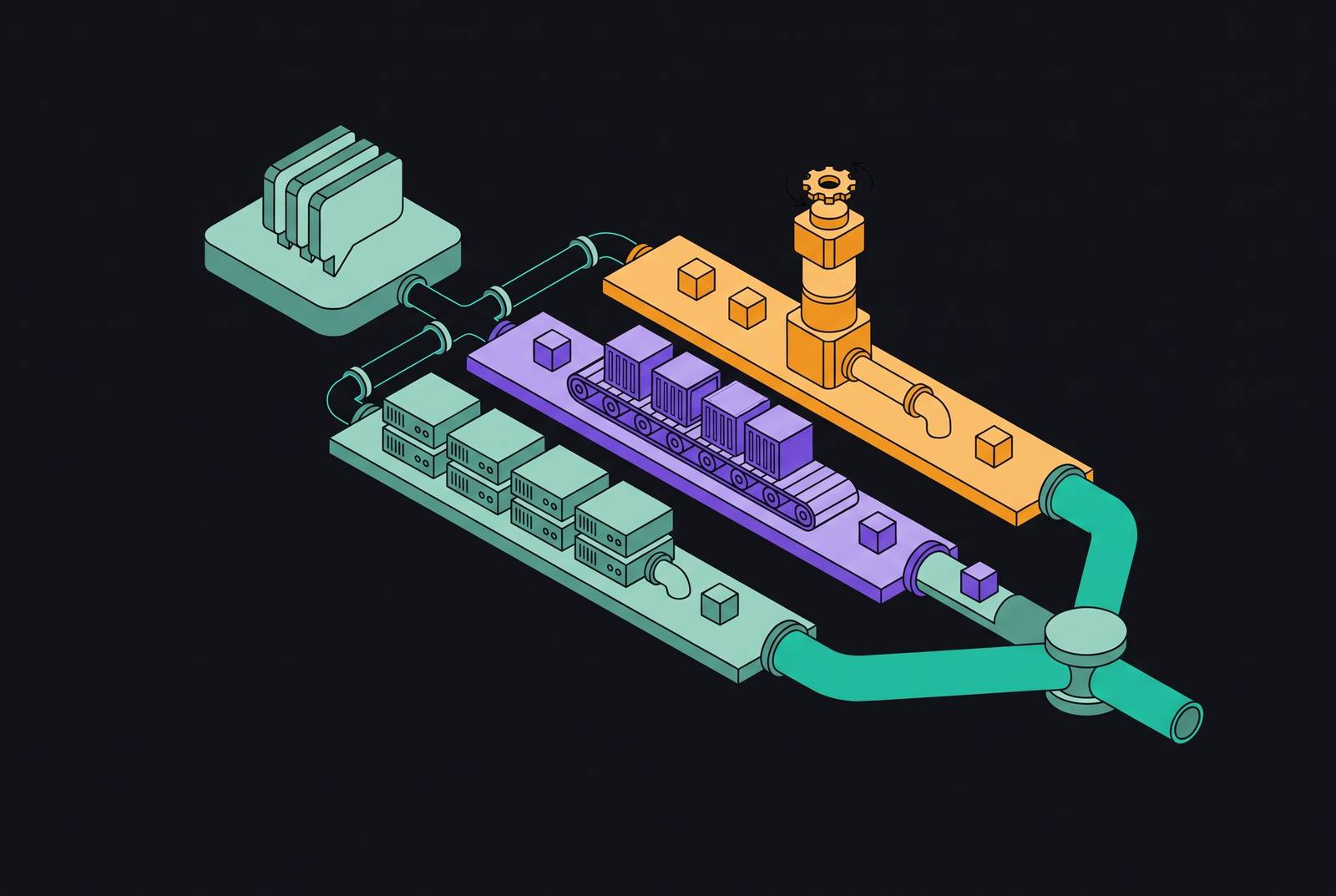
Claude Code can run in the cloud through native Slack integration, GitHub Actions, or CLI-triggered cloud sessions, with managed sandboxes offering a path that avoids managing the execution infrastructure. The right choice depends on task scope, context access, authentication, and team configurability. Comparing Slack-to-pull-request pipelines on those terms shows why teams need a plan for routing tasks across different harnesses.
Why the Slack-to-PR pipeline is worth comparing at the harness level, not the feature level
A Slack message and a finished pull request describe the endpoints of a workflow. A feature checklist can establish that a harness supports both, but it cannot establish whether the agent receives the right context or has authority to complete the work. Those distinctions are visible only during execution. A pipeline-level comparison therefore follows the task from its trigger through context gathering, execution, and completion.
Four dimensions make that comparison useful. Task scope describes what the agent can finish end-to-end, while context access describes what it knows when it starts. Authentication identifies whose credentials and limits govern the session. Team configurability determines how far the workflow can be adapted to local requirements. Together, these criteria distinguish a convenient entry point from a pipeline that fits the work.
What the native Claude Code Slack integration actually does, step by step
The native integration requires an @Claude mention in a Slack channel to begin. Claude must first be invited through /invite @Claude. Claude Code Slack docs describe two routing modes, namely Code Only, which sends every mention to Claude Code, and Code + Chat, which routes according to the message. In the latter mode, a coding request can start a code session, while a “Switch to code repo…” button allows the user to override a chat routing. The channel serves only as the entry point.
Once triggered, Claude gathers the thread and recent channel messages. This supplies conversational context before coding begins, but it does not grant unrestricted access to Slack history. When a teammate’s error report or reproduction description sits outside the gathered conversation, the user must paste it into the mention. Context also creates an instruction boundary. The docs warn that Claude may follow directions in gathered messages, so the integration should be used only in trusted conversations.
The task runs in a new cloud session on claude.ai/code, which sends progress updates back to the Slack thread. Two limits define the scope of this path. It supports GitHub only, excludes GitLab, and allows each session to create one pull request. The completion flow can present a “Create PR” button, but a subsequent Slack mention starts a fresh session. Follow-up work on the existing task belongs in the web session.
For Pro, Max, and Ultra users in workspaces not connected to Claude Tag, execution uses the individual’s account and plan limits. Team and Enterprise sessions are automatically visible to the organization, but visibility does not turn individual authentication into a shared identity. Claude Tag has a separate setup that the organization shares. The native path thus makes it easy for individuals to delegate work, though a team workflow owned by the repository takes more setup.
How the GitHub Actions harness changes the trigger, the runner, and the permission model
GitHub Actions moves the authoritative task surface from conversation to the repository. A claude.yml workflow can fire when an issue or PR comment contains @claude, while claude-code-review.yml can run automatically on new, updated, reopened, or ready-for-review pull requests. No Slack message is required to start work. This changes task scope from a conversational request into issue-driven implementation or automated review. Claude can change more than one file, open a PR, and read CI results.
The agent can read the issue body, PR diff, checked-out files, and CI results when granted actions: read permission. A discussion left elsewhere is not automatically part of that context.
Authority also moves from the individual to the repository. Each repository has an API key stored as a secret in place of the individual account used by the native Slack path, and Claude uses a shared bot identity. That simplifies shared execution but changes attribution. The resulting actions attribute the work to the bot.
Configuration follows the same repository-owned pattern through version-controlled, reviewable, forkable workflow YAML. Teams can independently tune triggers, permissions, allowed bots, and generation and review models, including Sonnet where appropriate. Slack status updates remain a separate concern. Combining GitHub-driven execution with Slack notifications is a legitimate hybrid, but those notifications are not the native Slack integration’s built-in progress flow.
How to run Claude Code in the cloud when neither Slack nor GitHub Actions fits
With CLI-triggered cloud sessions, a task can start outside Slack or GitHub. A command, API call, or event in a connected tool can start the agent on demand. The trigger becomes part of the team’s automation. This accommodates custom scripts and multi-step pipelines without forcing their tasks into a particular comment format. It also separates the place where a task is defined from the environment where it runs.
As of October 2026, teams can delegate from a Linear issue through its agent directory or use a label-driven harness. Linear Agent runs Claude Code or Codex in a managed sandbox, with a prepaid workspace pool charged at model token rates plus sandbox runtime. Third-party cloud agents installed through the directory bill through their vendors separately.
Context must be packaged deliberately in this model. The caller explicitly provides the task description, pointers to the code the agent needs, and acceptance criteria. That requires more preparation than a reactive Slack request. For complex or cross-repository work, though, a carefully written specification can make the agent more reliable and keep it from following unrelated instructions in the conversation.
Authentication typically uses workspace- or organization-level credentials, making centralized delegation more natural than personal-account execution. In a fully configured VM, the agent can install packages, run services, drive a browser, and verify output before opening a PR. Scope depends on the execution environment. Teams also control context packaging and output handling, and can combine surfaces so that a Slack message routes to Linear before a cloud invocation begins. Teams can change more here than the routing mode or a repository event.
Comparing the three harnesses across task scope, context, authentication, and configurability
On task scope, native Slack fits bounded, reactive work such as bug fixes, small refactors, and single-PR changes. GitHub Actions fits issue-driven implementation and automated review, with CI feedback available inside a repository-scoped workflow. CLI/cloud sessions fit long-running, multi-step, or cross-repository work when the environment supports it. These are different units of delegation. A broad execution environment adds little when the task is already a small, well-contained correction.
On context access, native Slack starts with what people have said in the thread and recent messages, along with channel metadata. GitHub Actions starts with structured material from issues, diffs, CI results, and repository contents. CLI/cloud sessions start with what the caller explicitly provides. The key distinction is where authoritative context lives. Moving a task to a more configurable harness does not by itself transfer the information needed to complete it.
On authentication, native Slack uses each person’s account in its personal-account configuration, even when the organization can see the sessions. GitHub Actions uses a repository secret and attributes actions to a shared bot. CLI/cloud sessions typically use workspace- or organization-level credentials suited to centralized billing. These models assign ownership in different ways. Organization-wide visibility, shared credentials, and attribution to the requesting engineer are separate properties.
On configurability, native Slack principally exposes Code Only and Code + Chat routing rather than version-controlled workflow configuration. GitHub Actions exposes reviewable YAML for triggers, models, permissions, and bot allowlists. CLI/cloud sessions place the trigger, environment, context package, and output handling under team control. With more control, teams also have to design more of the workflow themselves. The appropriate choice depends on how much of that design the task actually requires.
How environment quality cuts across all three harnesses and why it determines what the agent can actually finish
Harness selection does not establish execution readiness. Across all three paths, completion depends on an isolated environment with the dependencies, tooling, and access needed to run and verify the change. The decisive distinction is whether the agent can close the feedback loop itself or must leave essential verification to a human reviewer. Environment configuration can therefore be as consequential as the entry point.
The native Slack path runs web-based sessions on claude.ai/code, where the connected repositories and credentials set what the agent can access. GitHub Actions uses ubuntu-latest runners by default, providing a fresh, ephemeral Linux environment configured through the workflow. Team-specific tooling is not pre-loaded unless the workflow installs it. Although the agent can install packages and run tests, the environment is rebuilt on each run. Its usefulness depends on what the workflow prepares.
A fully configured cloud VM can instead begin with the team’s dependencies and tooling already available. It can support services, browser interaction, and output verification within the delegated task. That expands what completion can mean in practice. A task that finishes in that environment may stall or yield an incomplete PR in an under-configured runner or web session. The difference need not indicate a failure in the harness itself.
The environment also needs isolation alongside its tools. The native Claude Code sandbox restricts filesystem writes and filters network access, while most CI/CD integrations run unsandboxed by default. Stronger isolation can introduce additional overhead. For CI/CD pipelines, the recommended pattern is an ephemeral sandbox scoped to the PR or task, followed by artifact capture and destruction. Reusing that sandbox across tasks breaks the recommended isolation pattern.
Building a routing strategy that assigns harnesses to task types across a team
Work should be routed by its authoritative context and execution requirements. A bug reported in Slack with reproduction details already in the conversation fits the native integration, with the PR link returned to the same thread. A GitHub issue with acceptance criteria fits Actions, where the agent can use CI feedback as it makes changes and the resulting PR can get automated review. A CLI/cloud session started from Linear or a custom pipeline suits a large refactor, dependency upgrade, or multi-step migration that has a formal specification.
This strategy should also separate pipeline infrastructure from agent choice. Teams need to be able to run Claude Code, Codex, or another agent through the same infrastructure without having to rewire the workflow each time models improve. Harness-agnosticism is therefore a team-level capability. A cloud agent platform’s role is to support that shared execution and make work observable across entry points. Having several triggers alone is not enough to do this.
Attribution is what makes the arrangement sustainable. Native Slack sessions point to individuals, Actions work points to a bot, and CLI/cloud sessions can use workspace or organization credentials. Teams need a layer that normalizes those differences so they can trace which agent ran each session, through which harness, and under which credentials. Without that trace, shipped work and cost are difficult to compare across routes. A mature pipeline lets engineers delegate from wherever the task lives while giving the team a clear account of what finished and what it cost.